
Visual Platform Walkthrough
See a Complete OCR Casino Expedition From Start to Finish
Follow one sample guest through a complete Expedition—from registration and staff verification to checkpoint completion, live event visibility, and the finale drawing. This demonstration uses a fictional casino and sample data so you can see exactly how the platform works.
Before the event
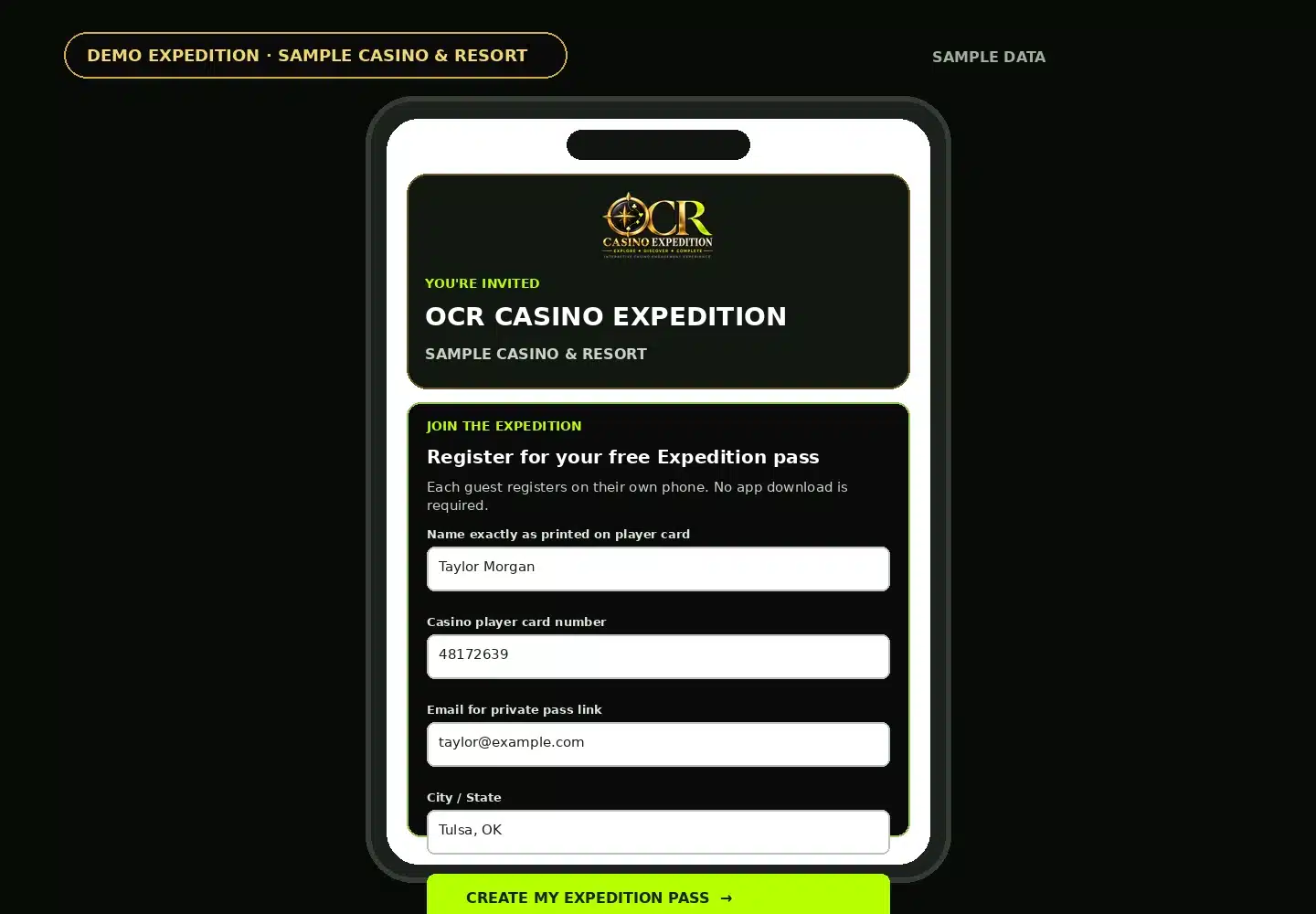
The Guest Registers on Their Phone
A casino can promote the Expedition through social media, email, property signage, or an event QR code. The guest opens the registration page directly in their mobile browser.
- No app download required
- Each participant registers separately
- Casino player-card information can be collected for verification
- Official rules and required acknowledgments are built into registration
- A private pass opens immediately after successful signup
Personal credential
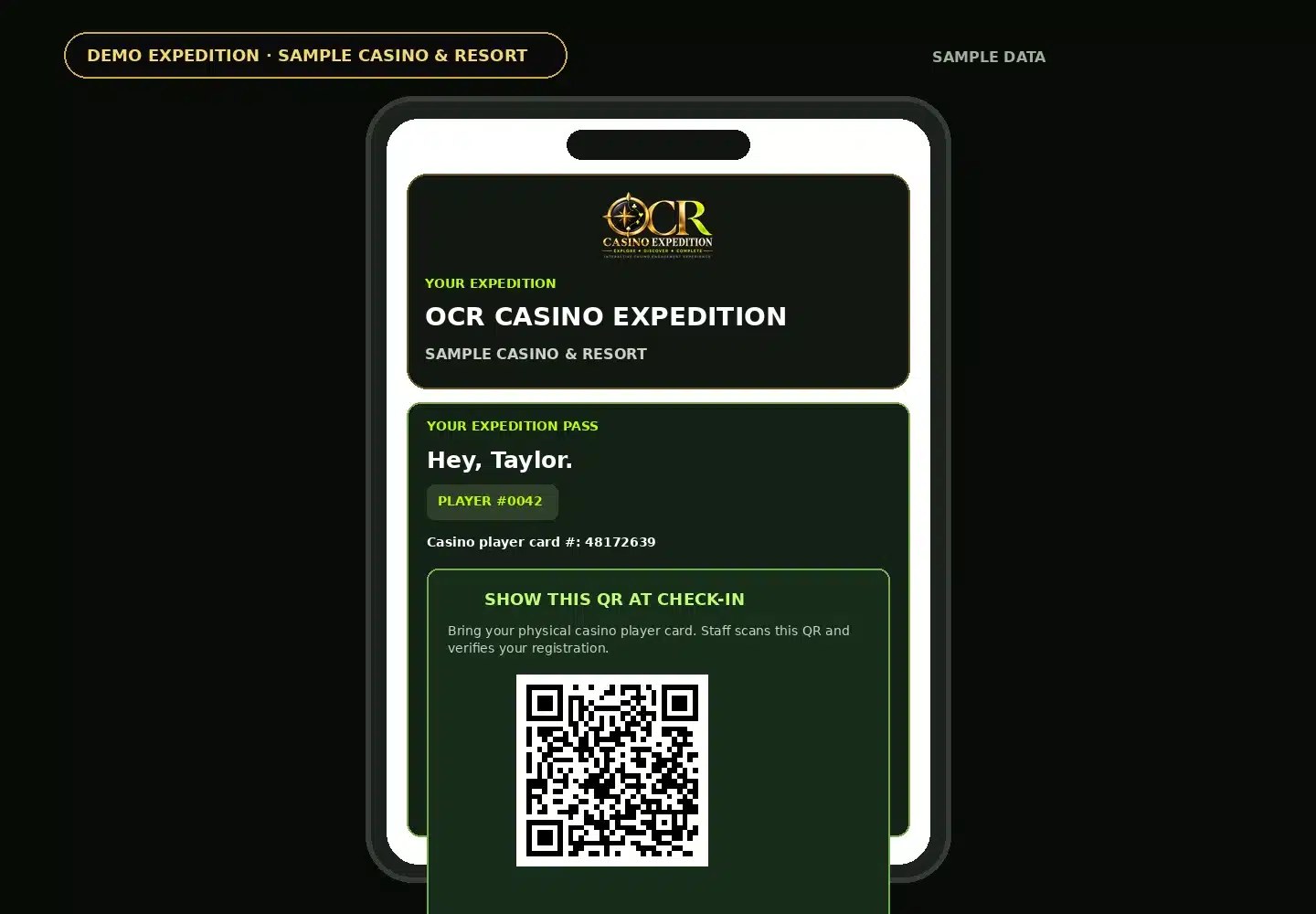
The Guest Receives Their Expedition Pass
Each registration creates a unique Expedition Pass. Before check-in, the pass displays a private QR code for staff verification while the Expedition Stops remain hidden.
- Unique player/drawing number
- Private check-in QR
- Backup pass link can be delivered by email
- Stops stay locked until authorized staff completes check-in
On-property verification
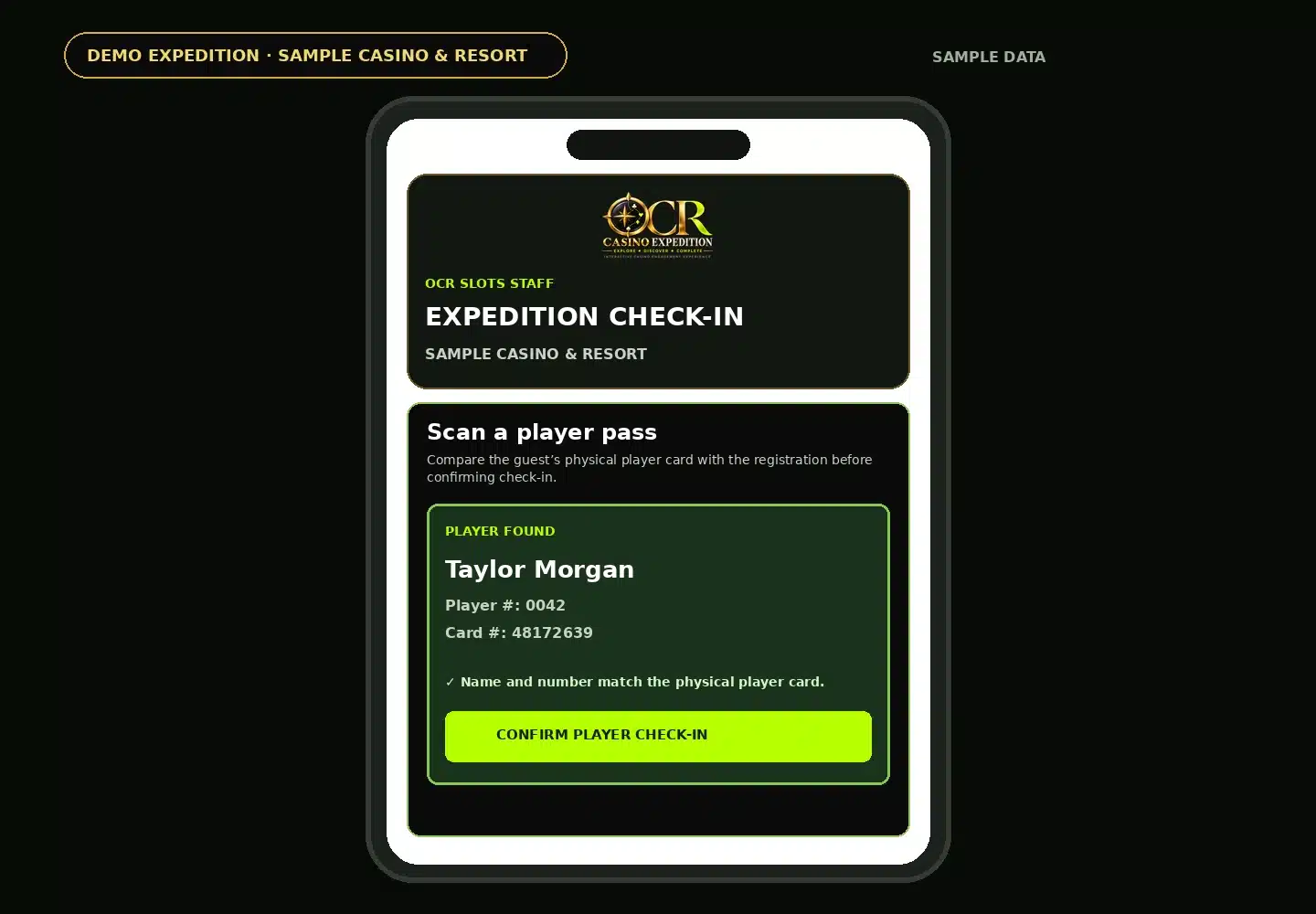
Staff Scans the Pass and Checks the Guest In
The staff-facing check-in portal is designed for the event team—not the guest. Staff scans the guest’s pass, compares the registration with the physical casino player card, and confirms check-in.
- Dedicated staff workflow outside the WordPress admin screen
- QR scanning or player-number lookup
- Player-card information can be corrected before check-in
- The guest’s Expedition unlocks only after verification
The Expedition begins
The Guest Can Now See Their Stops and Progress
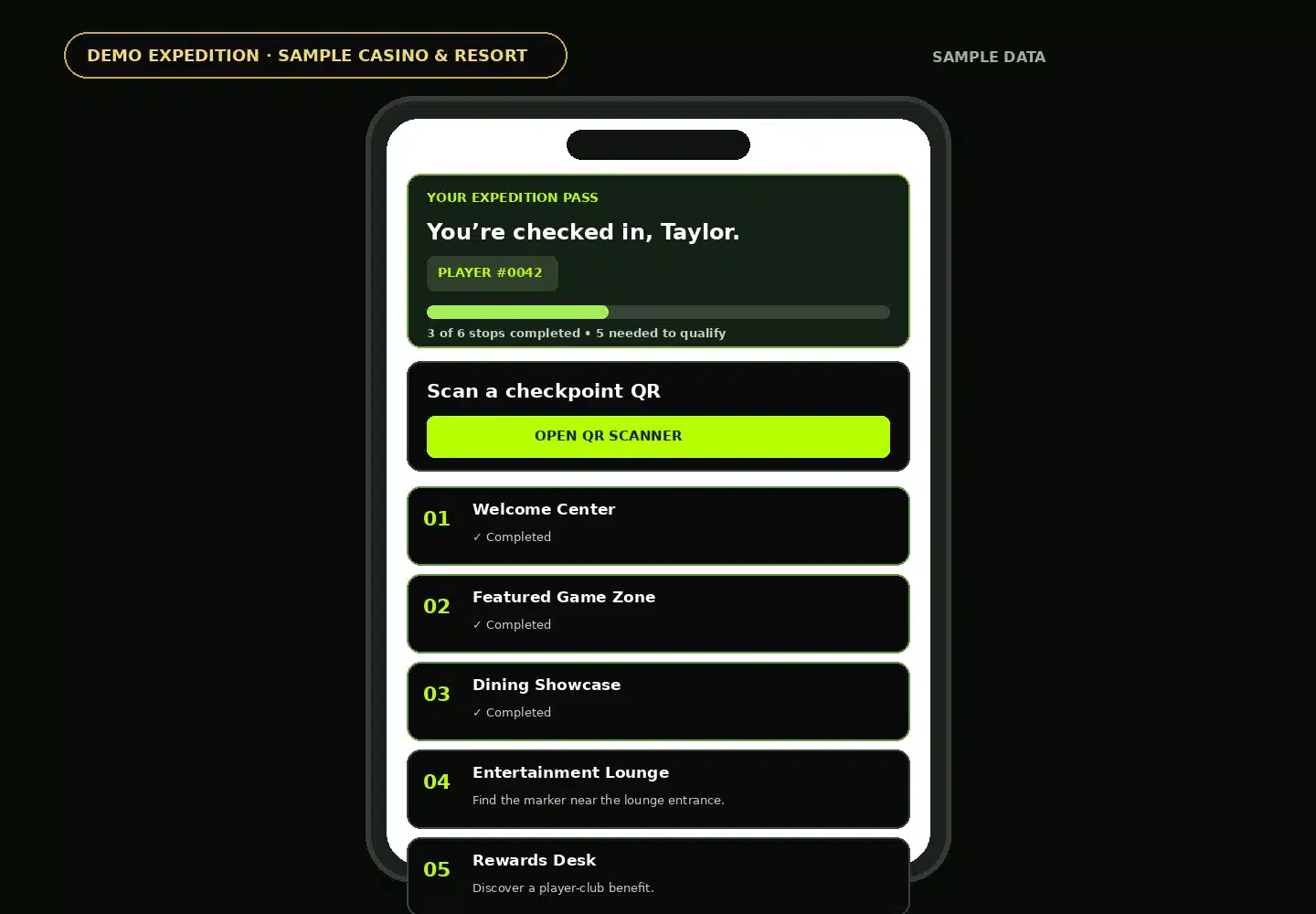
Once checked in, the pass becomes the participant’s guide through the property. Each configured destination can have its own clue, opening time, and completion status.
- Property-specific Expedition Stops
- Progress bar and completion count
- Timed or sequential stop availability
- Custom clues that guide guests to approved areas
- Stops can highlight amenities, promotions, or gaming products
At each destination
Checkpoint Markers Confirm the Guest Reached the Stop
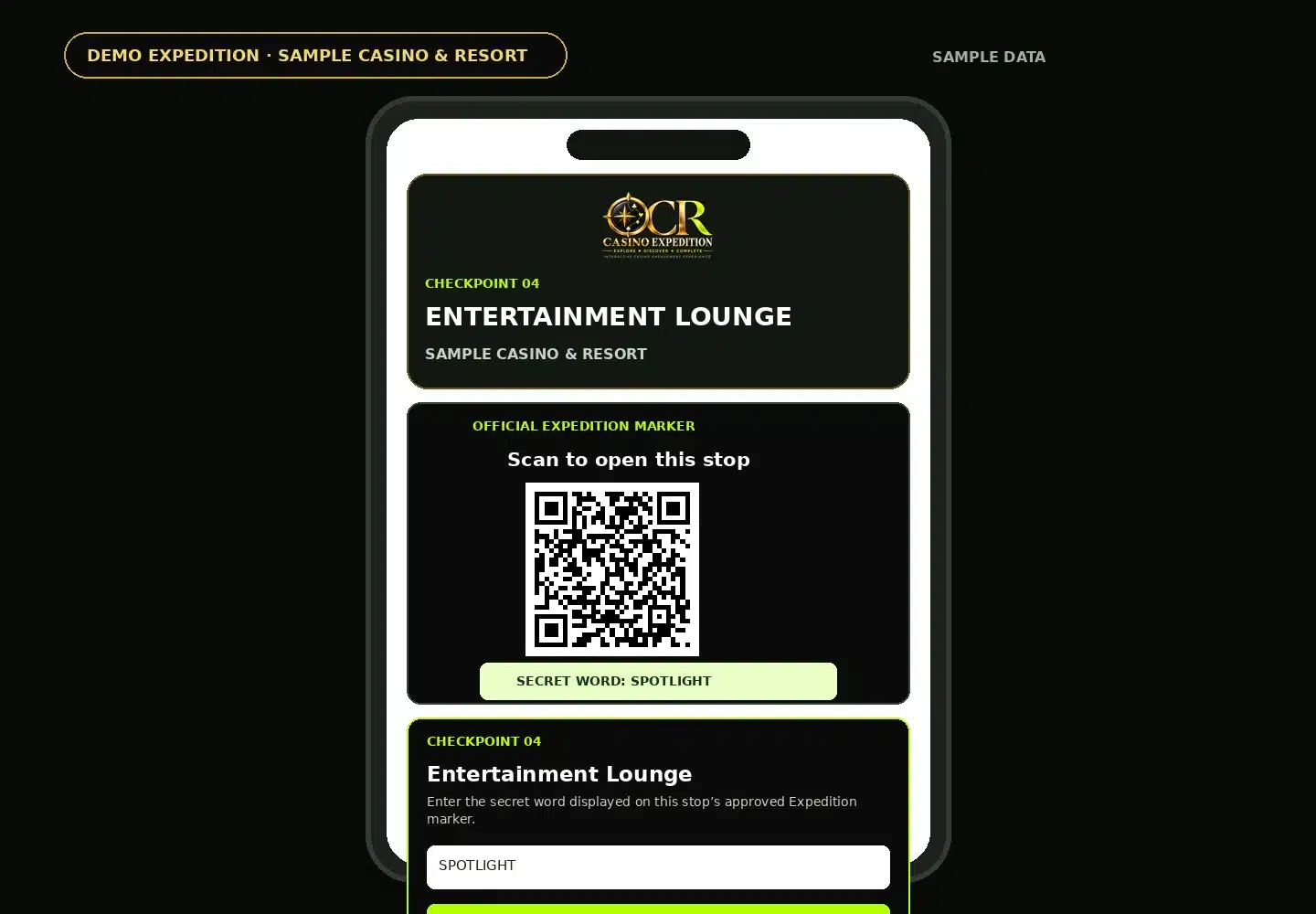
The guest finds the approved Expedition marker, scans its QR code, and completes the location-specific challenge. A secret word can be used so a shared screenshot alone does not complete the stop.
- QR-based checkpoint markers
- Location-specific secret word or challenge
- Completion is recorded to the guest’s personal pass
- The pass immediately updates progress
Live Event Visibility
6The Casino Can Watch the Expedition Develop in Real Time
The read-only live dashboard gives approved event stakeholders aggregate participation and checkpoint activity without exposing private guest information.
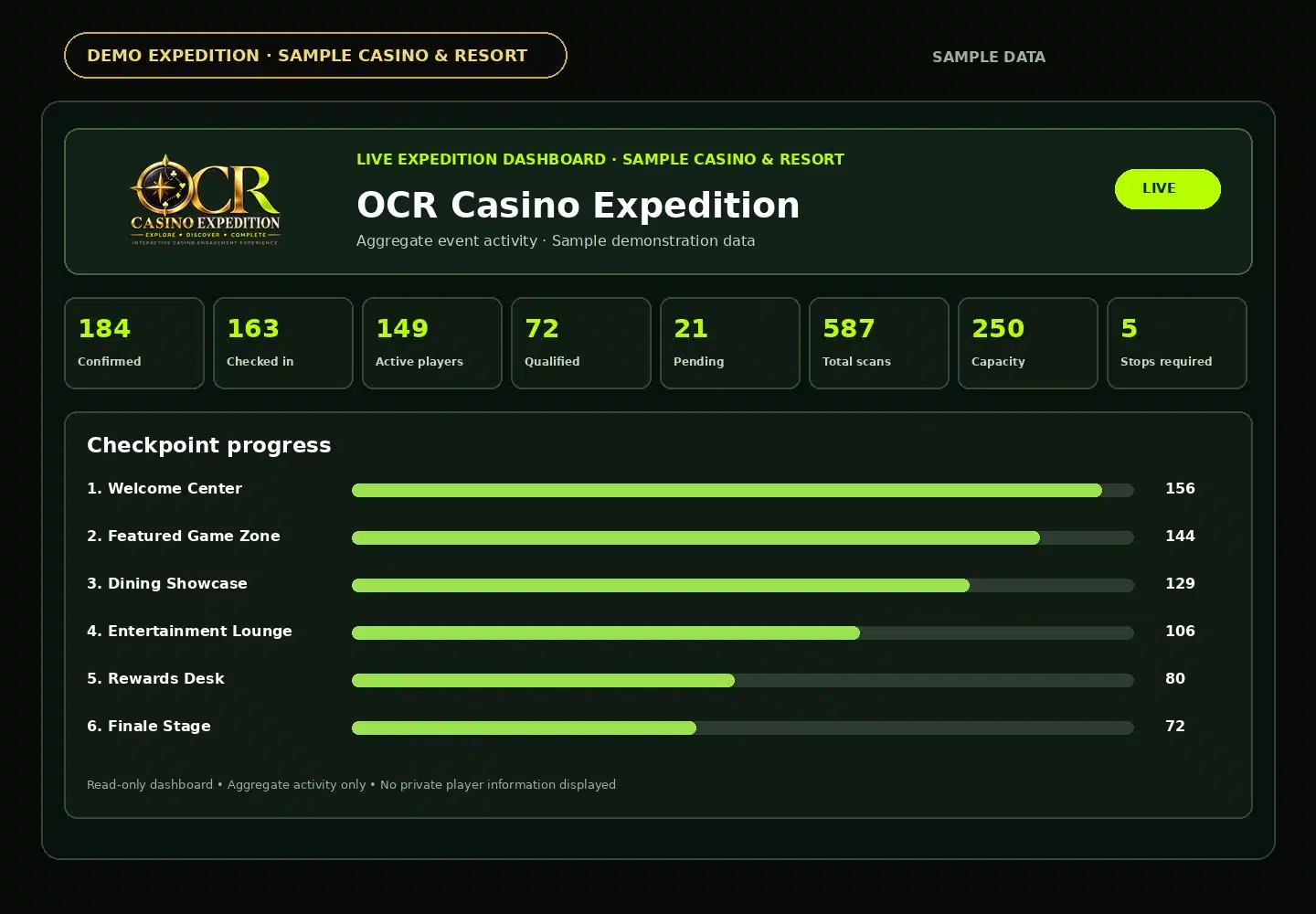
- Confirmed registrations and check-ins
- Active participants and qualified finishers
- Total checkpoint scans
- Progress by individual Expedition Stop
- Responsive view for standard browsers, laptops, tablets, and mobile devices
Qualification
The Guest Completes the Expedition
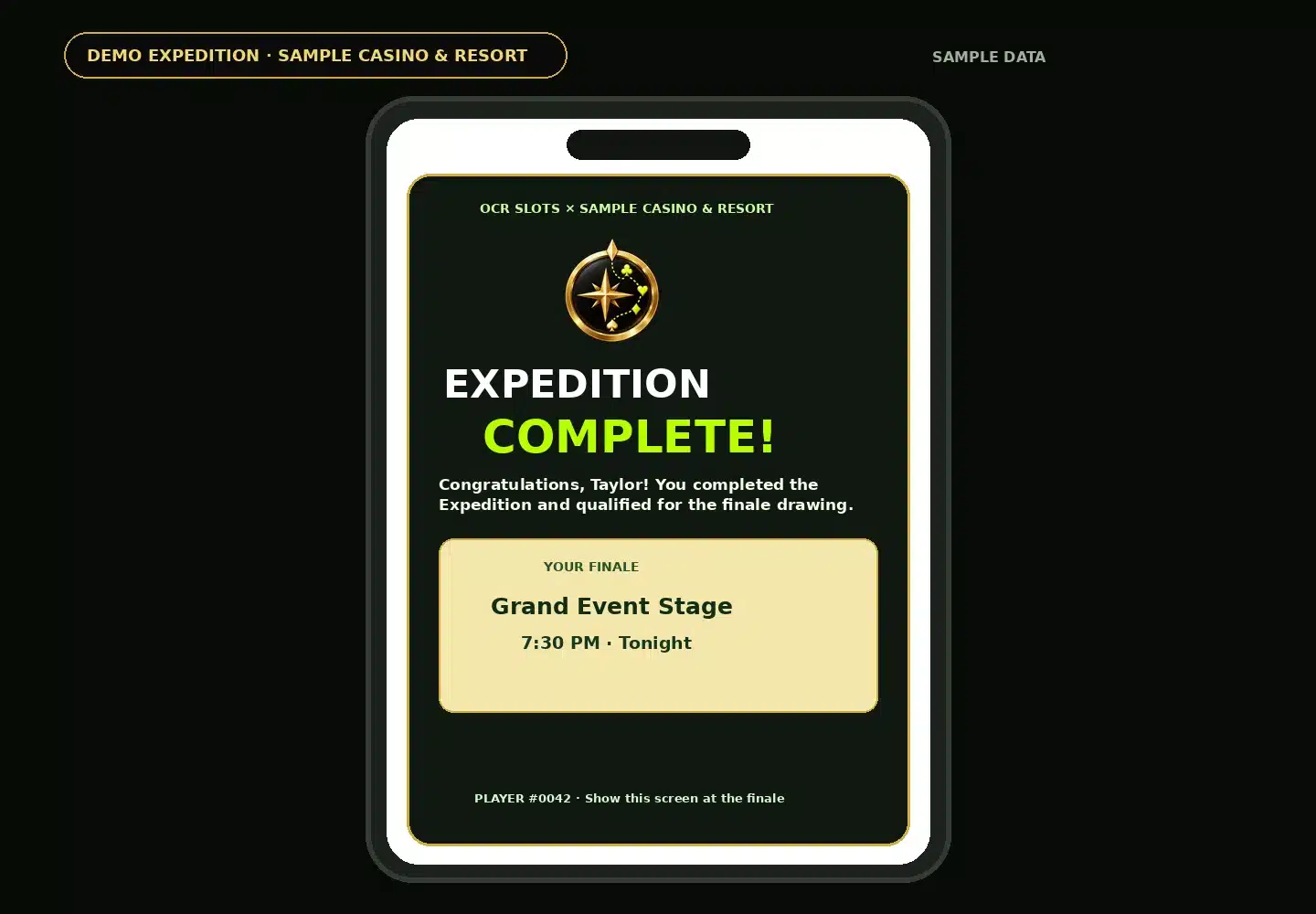
When the participant reaches the required number of completed Stops, their pass automatically confirms qualification and tells them where and when to report for the finale.
- Automatic completion qualification
- Finale location and time displayed directly on the pass
- Player/drawing number remains attached to the participant
- No separate manual qualification list is needed for the guest
The Finale
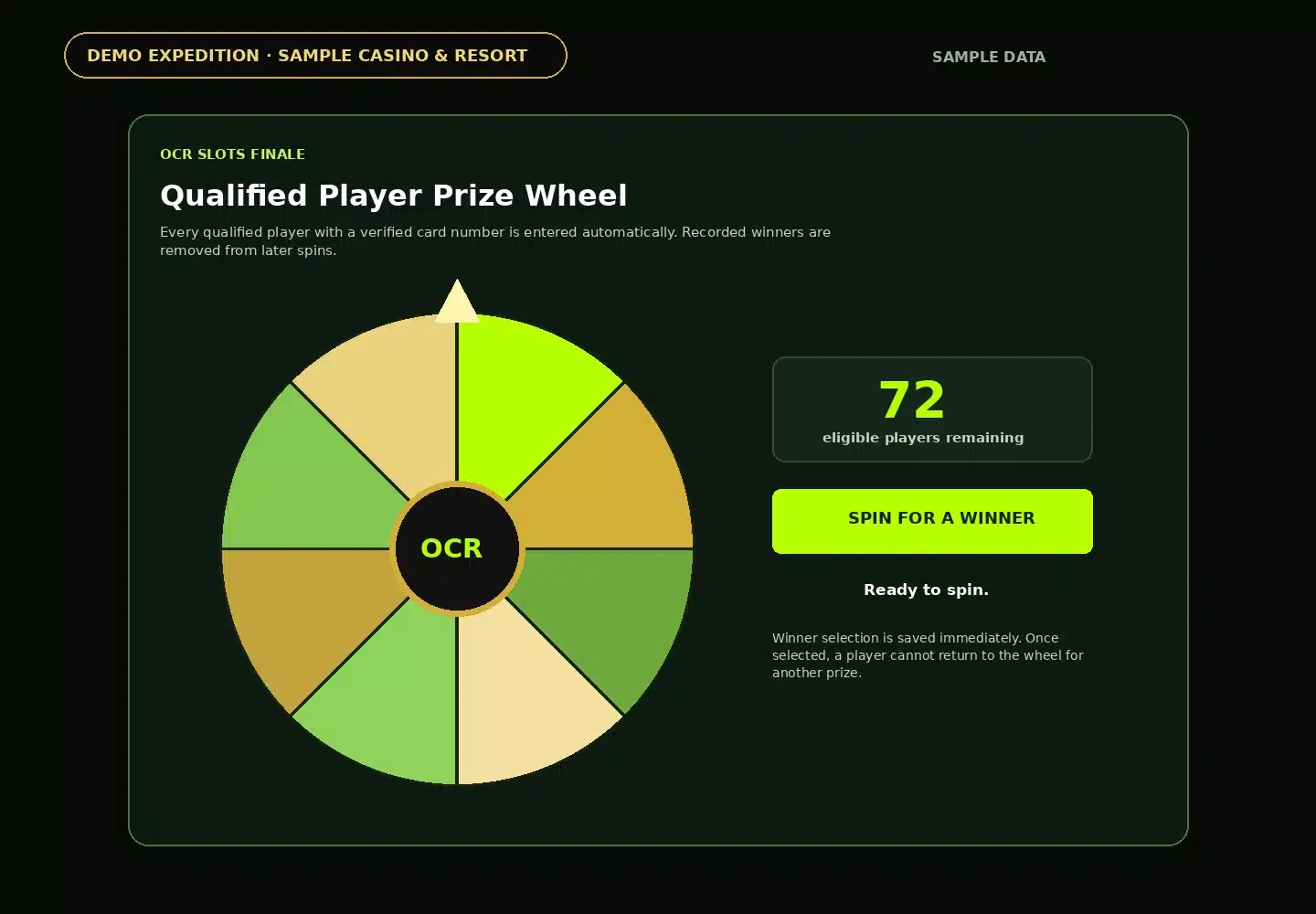
8Qualified Guests Flow Directly Into the Finale Drawing
Every qualified participant with verified information can populate the built-in prize wheel. Once selected, a winner is recorded and removed from future spins, supporting a one-win-per-player event structure.
Customized for Each Property
The Workflow Stays Simple. The Expedition Can Change Every Time.
The screens above demonstrate the platform workflow. The actual casino controls the approved locations, number of Stops, timing, branding, clues, eligibility requirements, finale location, prizes, and promotional plan.
Explore • Discover • Complete
What Would an Expedition Look Like at Your Property?
OCR Slots can build an Expedition around the guest experience, locations, promotions, and marketing goals that matter to your casino or gaming brand.
Screens shown are a fictional demonstration using sample names and data. Actual Expeditions are customized for the participating property and remain subject to casino-approved rules and operating requirements.